
Publish Your AI App: 7 Things a Link Won't Solve

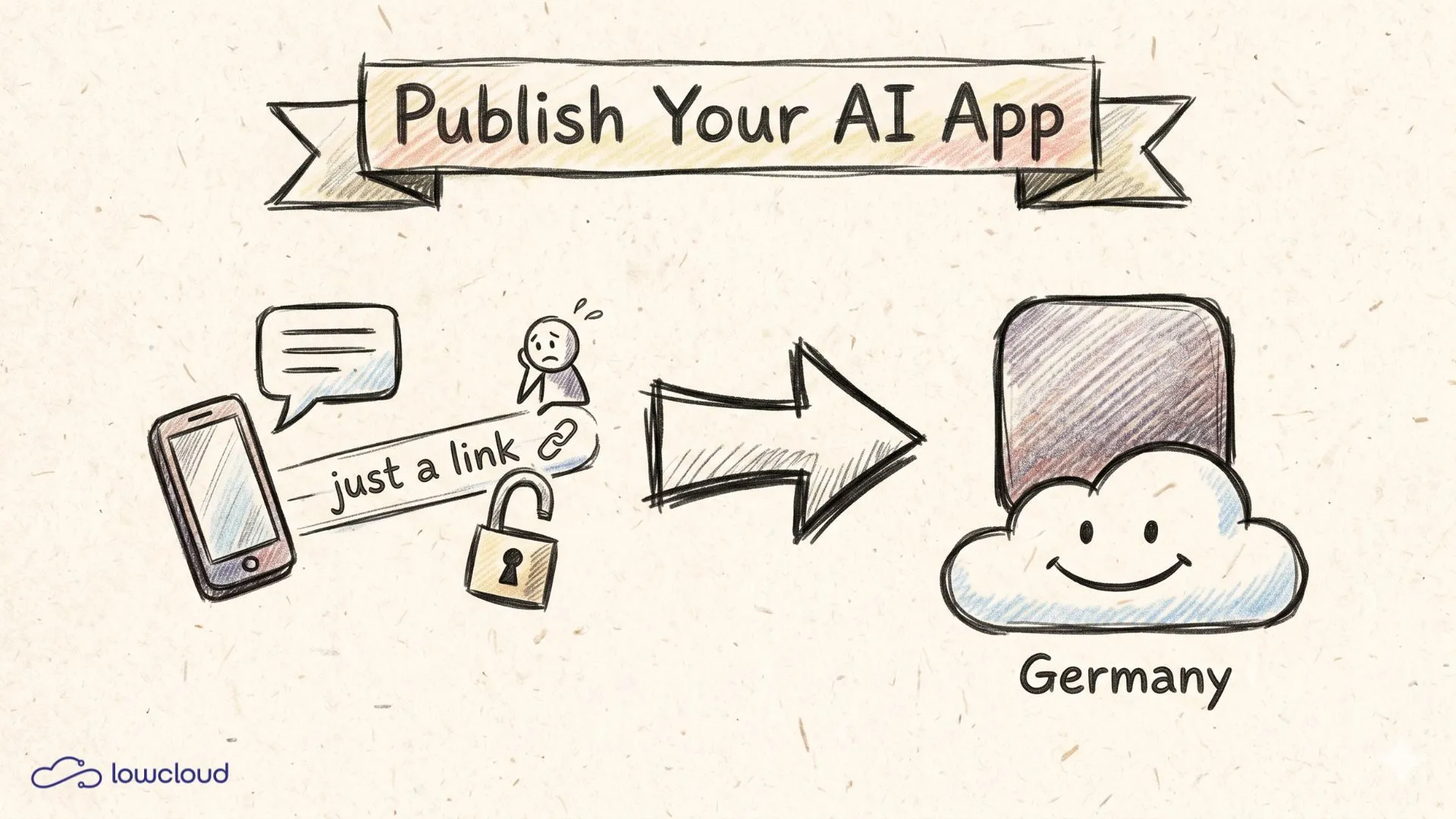
You built something. With Lovable, Cursor or Bolt, over a weekend, and it works. Now the first client should use it, or your team should work with it. So you copy the preview link out of the tool and send it over. And this is where the real problem starts: a shared link is not a published tool. It has no access control, no domain of its own, no control over what happens during a crash, and nobody knows where your users' data ends up.
The good news: you do not have to become a server admin for this. To let other people actually work in your app, you need seven things, and you can check them off in the right order. This post walks you through exactly that list, from access control to the question of what happens when something breaks.
Key takeaways
- A shared tool link is not an operation: no access control, no domain of your own, no control over outages or data.
- In 2026, Red Access found over 380,000 publicly reachable AI apps, many without basic access control, often granting admin access to anyone who knew the URL (The Hacker News, 2026).
- The moment real users are on it, you process personal data, and the GDPR applies, regardless of project size.
- With lowcloud you take the app live in minutes on your own domain and servers in Germany, instead of losing weeks to infrastructure.
Why a shared link is not a published tool yet
A preview link shares your prototype, it does not publish it. The difference is control: over who gets in, under which address, what happens on errors, and where the data lives. With a shared link, all of that sits with the tool provider or with nobody. Why a preview link is not real hosting is covered in its own post.
This is not a theoretical risk. In 2026, Red Access scanned over 380,000 publicly reachable apps from vibe-coding platforms. Thousands of them were online without any access control, and many granted anyone who knew the URL admin rights by default (The Hacker News, 2026). The report is called "The Shadow Builders," and it means exactly the people who built something fast and then sent the link around.
Before you dig into the individual points, a clear comparison helps. What separates the shared link from the properly published tool?
| Criterion | Sharing a tool link | Your own deployment |
|---|---|---|
| Access control | anyone with the URL is in | login, private instance |
| Own domain | xyz.tool-name.app | app.yourcompany.com |
| Data and database | with the tool provider | under your control |
| Behavior on errors | black box | logs, rollback, alerts |
| Who helps with a problem | community forum | a clear contact |
The right column looks like effort, but it is not. A modern platform ships login, domain, database and monitoring ready to use. You swap the shared link for a real deployment, not for a DevOps project.
Who gets in? Access control and your own domain
Access control means: not everyone who has the URL should be able to see and change everything. That is the most common gap. The most widespread vulnerability in AI-built apps is Broken Object Level Authorization, the missing check of whether a logged-in user is even allowed to access that record (SoftwareSeni, 2026).
For an internal team, a login plus one permission per role is often enough. For clients you need real tenant separation, so that client A never sees client B's data. If your database supports Row Level Security, turn it on for every table. AI tools like to put secrets and database credentials straight into the frontend, where anyone can read them in the browser DevTools (Aikido, 2026). Every key belongs on the server, never in the shipped JavaScript.
Then there is your own domain. An address like app.yourcompany.com is not a cosmetic issue. It builds trust, it survives a platform switch, and it is a precondition for clean login. Anyone moving to their own domain has to follow up on the auth settings in most tools, for example setting the site URL and the OAuth redirect URLs to the new domain (Lovable Docs, 2026). Otherwise the Google login on the nice new address suddenly stops working.
What happens to your users' data?
The moment real people use your app, you process personal data, and the GDPR applies. An email address is enough, an IP address is enough, a chat history is enough. The GDPR does not ask whether you are a solo founder or a corporation, it asks whether personal data is being processed. Since August 2026, the EU AI Act adds a second layer of obligations for AI applications (Shadow AI Watch, 2026).
In practice this means two things. First, you need your own database whose contents belong to you and which you do not lose when a tool tier expires. A database you can use to delete all of a user's data on request separates the toy from the tool. Second, you should know where that database sits. If your users are in Germany and a client asks about the storage location, "servers in Germany" is a short, good answer instead of a long meeting with their data protection officer. A checklist for hosting your app legally in the EU is available separately.
This is the point where EU hosting becomes a quiet advantage. It is not the reason you publish, but it turns the data protection part from a risk into a selling point. How this fits the typical vibe-coding stack is covered in detail in the post on deploying your vibe-coded app.
Does it hold up when real people are on it?
Stability is not decided on a good day, but on the day twenty people are on the app at the same time and something breaks. Three things belong in place before you hand out the link: a health check that notices when the app hangs, a log stream where you actually see errors, and a rollback option to return to the last working version in seconds.
This is where the gap between "works on my machine" and "works for others" shows. A Q1 analysis of over 200 AI-built apps found at least one vulnerability in 91.5 percent of them (SoftwareSeni, 2026). A separate scan of 5,600 publicly deployed apps found over 2,000 critical vulnerabilities, 400 exposed secrets and 175 cases with real personal data (SoftwareSeni, 2026). These are not hacker stories, these are ordinary apps that someone simply pushed live, hit by the typical vibe-coding deployment problems.
From the deploys vibe coders make with us on lowcloud, we almost always see the same pattern: the code runs, but nobody thought about what happens on an error. That is why we ship monitoring, logs and rollback from the first deploy, instead of treating them as a separate project. And when something does break, there is a real contact, not just a forum thread. This support point is missing entirely with a shared link.
Frequently asked questions
Is the preview link from Lovable or Bolt enough for real clients?
For a quick demo yes, for ongoing operation no. The link has no domain of its own, often no clean access control and no control over outages. The moment clients enter real data, you need your own deployment with login, your own database and a clear plan for the failure case.
Do I really need my own database?
Yes, as soon as users create data that must not be lost. Your own database gives you backups, control over the storage location and the ability to delete all of a user's data on a GDPR request. With shared tool storage that is usually not cleanly possible.
Do I have to care about the GDPR if it is only an internal tool?
Yes. An internal team also consists of people whose data is processed, such as names, emails and logins. The GDPR applies from the first piece of personal information. Servers in Germany and a clear list of which data sits where make this part straightforward.
What happens if the app crashes while a client is on it?
With the shared link: nothing visible, and you might not even find out. With a real deployment, the health check and alert kick in, you see the error in the log, and you can roll back to the last working version. This safety net is what separates a tool from a prototype.
Conclusion
Building something other people actually use is more than sharing a link. Between "works on my machine" and "my client relies on it" sit seven concrete steps: no bare link, access control, sorted data protection, your own domain, stability, your own database and a plan for the failure case. None of them require you to become an infrastructure pro. They only require you to walk through them once, on purpose, before the first real user arrives, rather than after.
Take your app to where others can rely on it, on your own domain and servers in Germany: get started with lowcloud.
Low-Code Backend: Ship Faster, Skip the Ops
Low-code backend takes repetitive work off developers: ship faster, less boilerplate. The categories, the limits, and what makes a good platform.
Vibe Coding Tools: Ship Faster Without the Chaos
Vibe Coding Tools for developers & DevOps: which categories actually help you ship faster – plus selection criteria, best practices and governance for teams.